RustDiffusion

v1.0.0 Oxide Rust

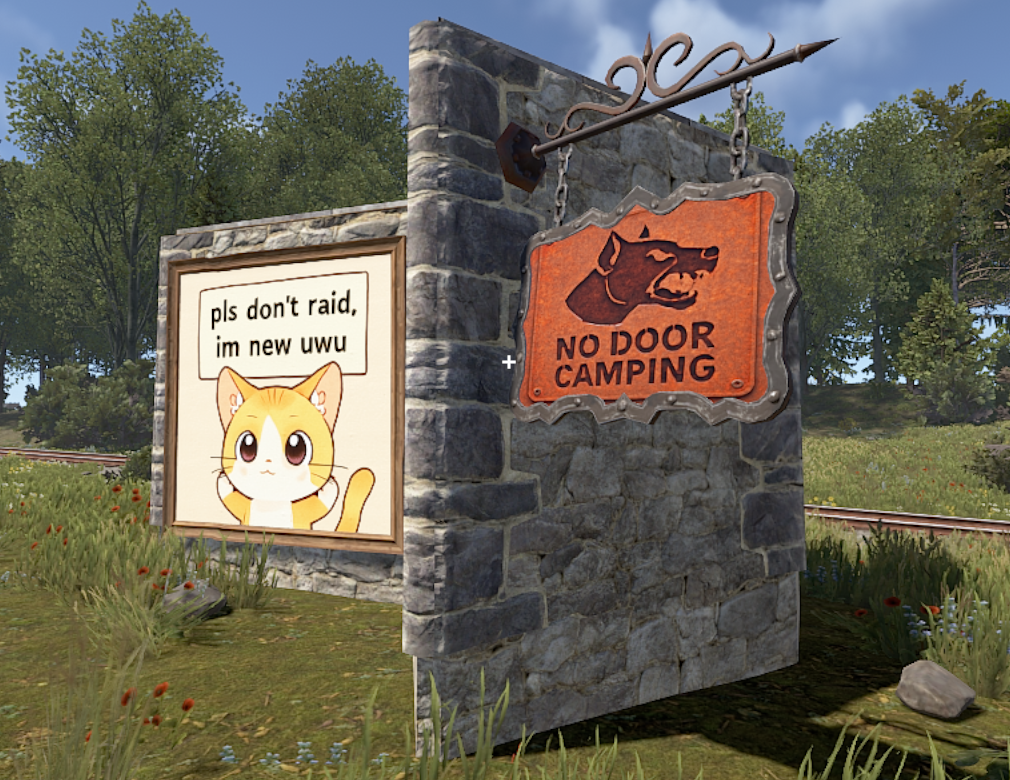
Rust Diffusion brings the power of state-of-the-art AI image generation directly to your Rust server. Transform ordinary signs into masterpieces using Natural Language Prompts.
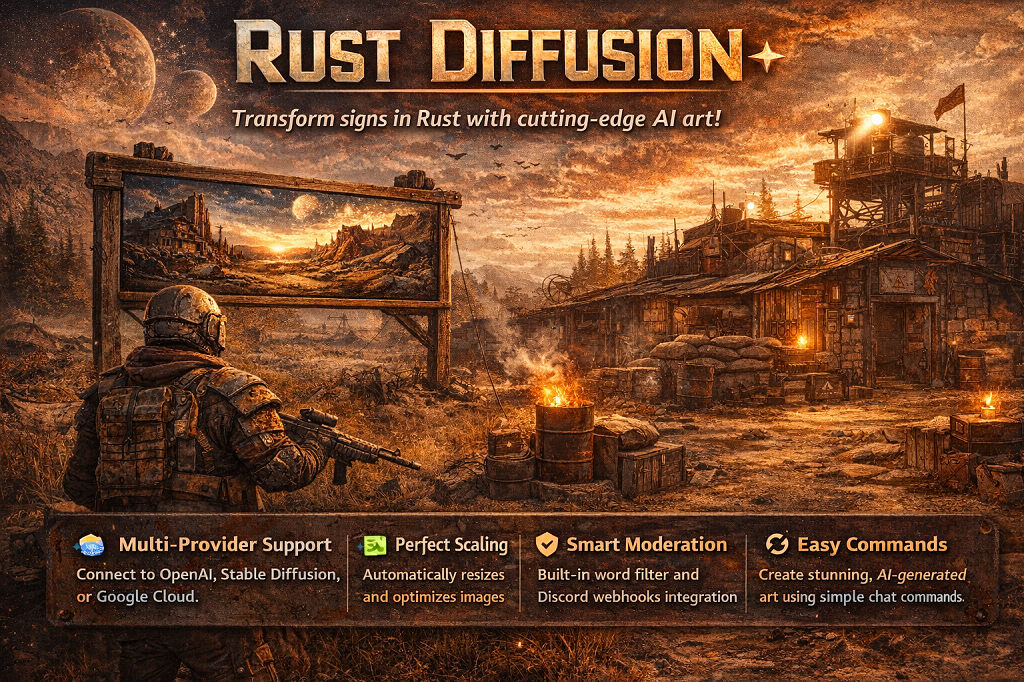
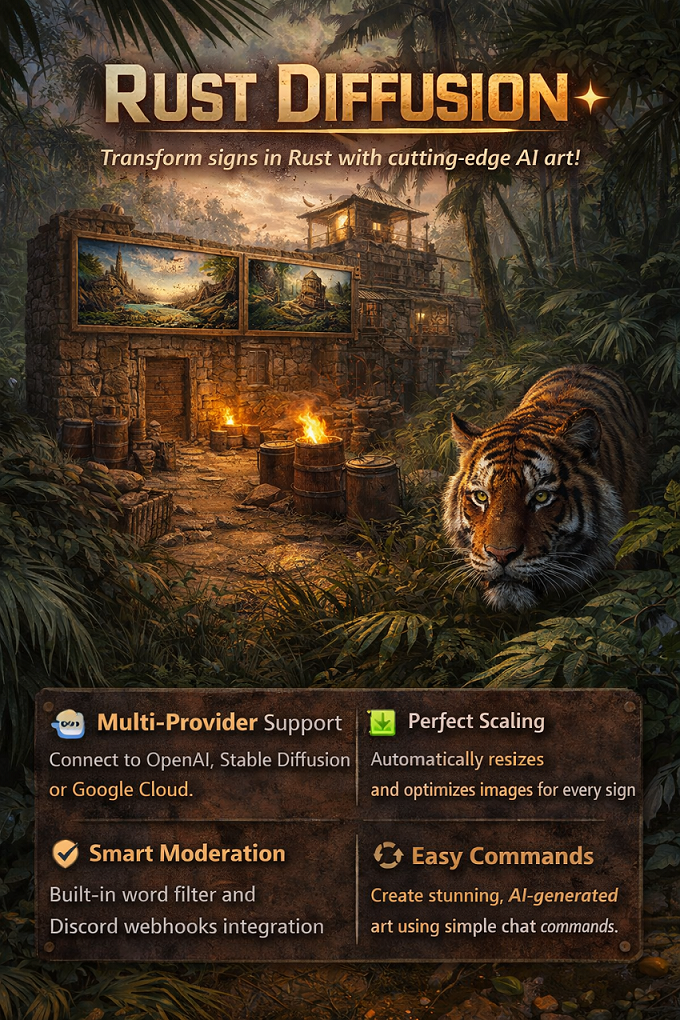
RustDiffusion - Rust Diffusion brings the power of state-of-the-art AI image generation directly to your Rust server.

RustDiffusion

v1.0.0 Oxide Rust

Rust Diffusion brings the power of state-of-the-art AI image generation directly to your Rust server. Transform ordinary signs into masterpieces using Natural Language Prompts.
Download Plugin
18 views
0 downloads

Features

  • Multi-Provider Support: Connect to OpenAI (DALL-E 2/3), Stable Diffusion (A1111/Forge), or Google Cloud (Imagen)
  • Perfect Scaling: Automatically resizes and optimizes images for every sign type in Rust
  • Smart Processing: Handles aspect ratios and orientations (including hanging signs) perfectly
  • Moderation: Built-in blocked words filter and daily request limits
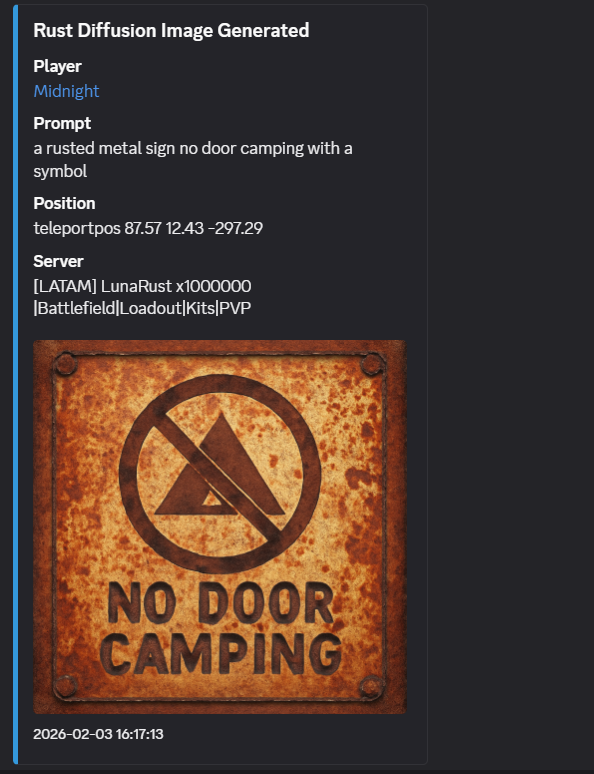
  • Discord Logging: Full integration with Discord Webhooks, including direct image uploads
  • Asynchronous: Non-blocking image generation ensures server performance stays smooth

Installation

Setup Instructions

  1. OpenAI: Get your API key from platform.openai.com. Set provider to OpenAI.
  2. Stable Diffusion: Ensure your WebUI is running with the --api flag. Set provider to StableDiffusion and your API Base URL to http://YOUR_IP:7860.
  3. Google Imagen: Set up a Google Cloud Project with Vertex AI enabled and provide the appropriate API Key.

Configuration

Configuration file will be generated at oxide/config/RustDiffusion.json

Default Configuration

{
  "API Provider (Google, StableDiffusion, OpenAI)": "OpenAI",
  "API Key (Google/OpenAI)": "YOUR_API_KEY_HERE",
  "API Base URL": "https://api.openai.com/v1/images/generations",
  "Model ID": "gpt-image-1-mini",
  "Command Cooldown (seconds)": 600.0,
  "Daily Request Limit": 10,
  "Admins Unlimited": true,
  "Max Interaction Distance": 3.0,
  "Blocked Words": [
    "nsfw",
    "nude",
    "porn"
  ],
  "Debug Mode": false,
  "Discord Webhook URL": ""
}

Configuration Details

  • API Provider: Select which service to use for generation.
  • Model ID:
    • For OpenAI: Use gpt-image-1-mini, dall-e-3 or dall-e-2.
    • For Stable Diffusion: The name of your local checkpoint or model.
  • Admins Unlimited: If set to true, server admins bypass all limits automatically.
  • Discord Webhook: Enter a URL to receive logs of all generated images, including player info, the prompt used, and a preview of the image.

Commands

Command Description Permission
/draw Generates an image on the sign you are looking at. rustdiffusion.use
/listmodels Lists available AI models (Provider dependent). Admin

Permissions

Permission Description
rustdiffusion.use Required to use the /draw command.
rustdiffusion.noblock VIP/Admin bypass. Bypasses command cooldowns, daily request limits, and allows editing signs even if not owned/authorized.

Plugin Information

Version 1.0.0
Platform Oxide
Game Rust
License Custom